Understanding Pay as you Go Usage and Costs
Overview
This article only applies to Pay as you Go Users.
If you have a Pay-as-you-go Plan, tokens are credits used by Bid Bot for AI-powered features. This guide explains how they work and how to monitor usage.
What Are Tokens
Tokens are credits used for AI-powered features, consumed by:
- Report Generation: Ingredients, Requirements, Personas, Marking Scheme
- Suggested Paragraphs: AI content suggestions
A predicted token usage is shown before these operations take place. Only pay for the tokens you consume.
How Tokens Are Calculated
Formula: Tokens = Number of Questions × (Sum of Enabled Features)
Feature Costs:
- Ingredients Report: 1 token per question
- Requirements Report: 1 token per question
- Personas Report: N tokens per question (N = number of personas)
- Marking Scheme Report: 1 token per question
- Suggested Paragraphs: +1 token per report type when enabled
Example: 3 questions with Ingredients + Requirements + Suggested Paragraphs
- Ingredients: 3 questions × 1 = 3 tokens
- Requirements: 3 questions × 1 = 3 tokens
- Suggested Paragraphs: 3 questions x (1 ingredients + 1 suggested paragraph + 1 ingredients +1 suggested paragraphs) = 12 tokens
- Total: 12 tokens
To work out your monthly costs, you would get your total token usage for that month and multiply it by the costs per token.
Monitoring Usage
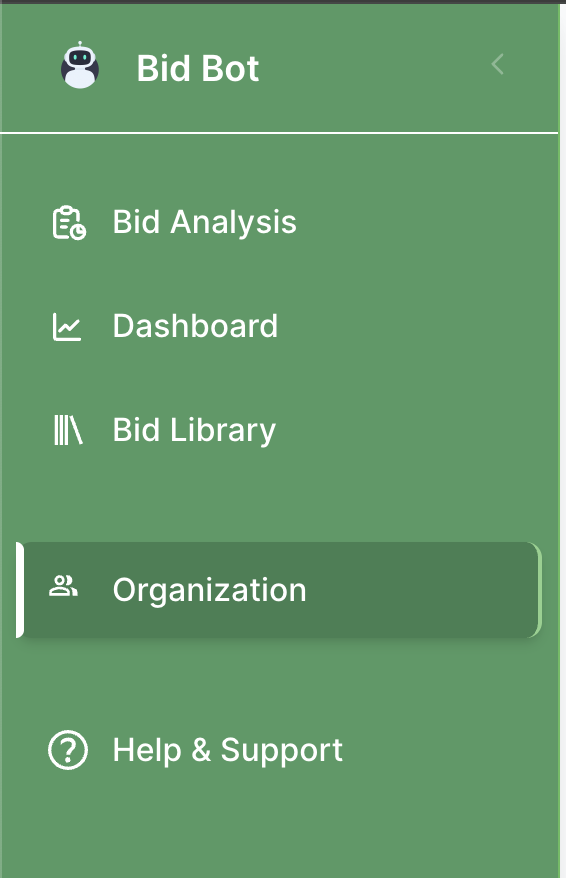
If you are in an organisation, you can look at the overall usage and costs on the Organisation Page, which can be accessed in the sidebar:
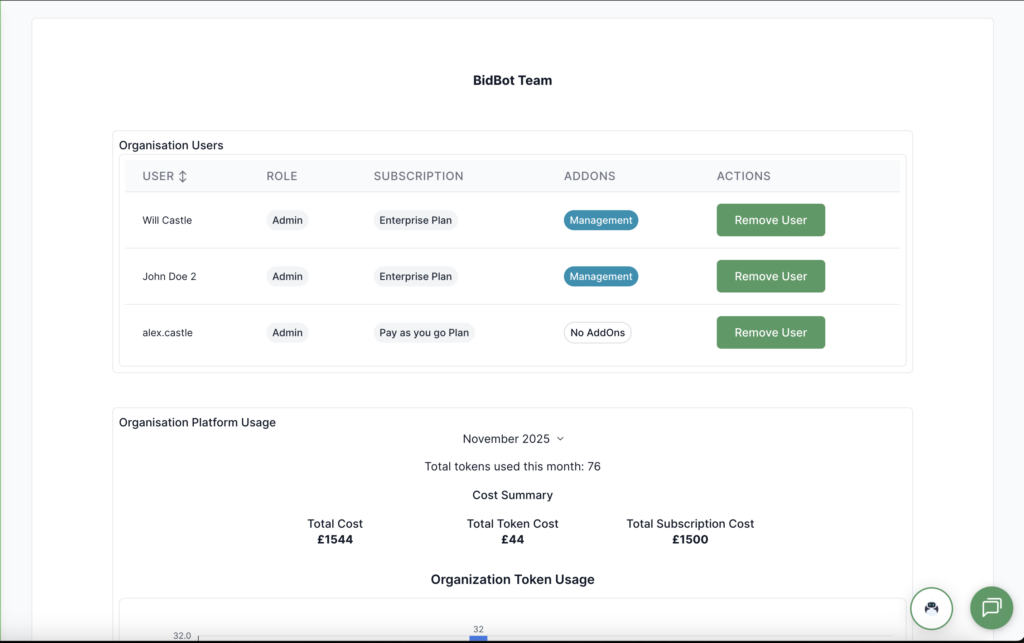
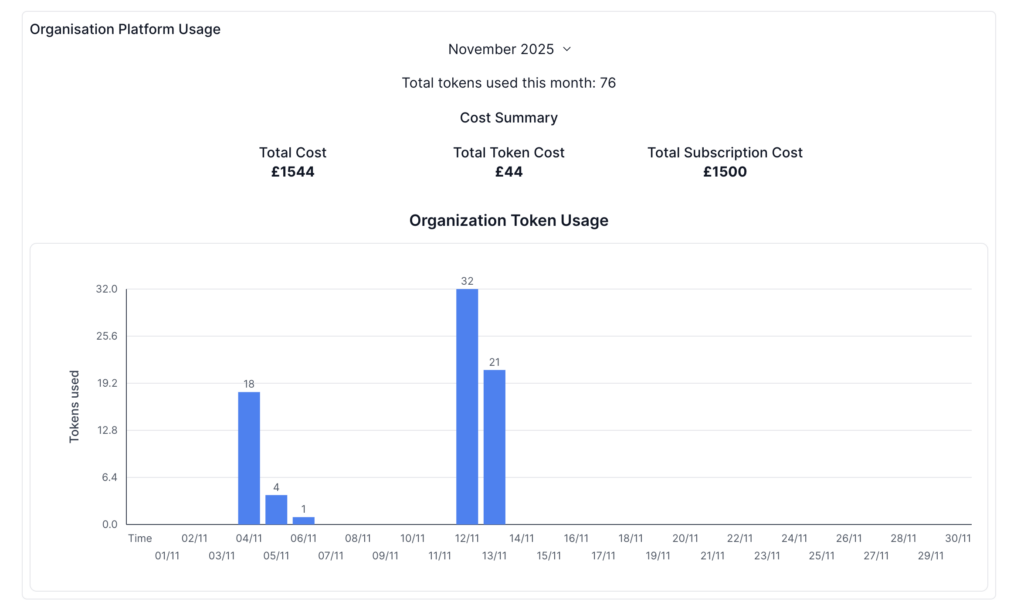
- In the Organisation Platform Usage section, you can:
- See the total number of tokens used this month across all users
- View your total monthly cost, broken down into token and subscription costs across all users
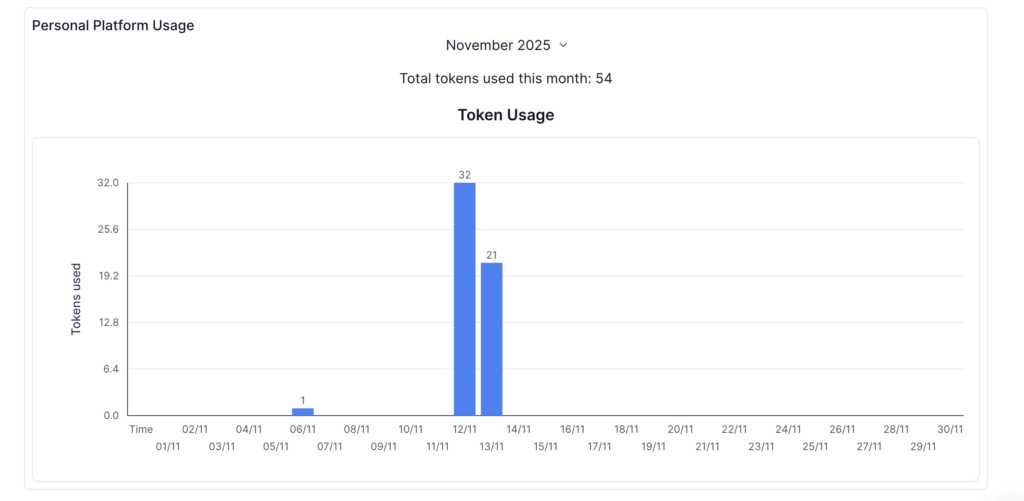
- Token Usage chart, where you can view your token usage by day in a month, you can also change the month by pressing on the dropdown.
You can also view your personal usage by going to the Profile Page, which can also be accessed in the sidebar by pressing on your profile information:
Understanding Costs
Pay-as-You-Go:
- Pay only for tokens you use each month
- Charged at the end of the month based on usage
Troubleshooting
Usage Seems High: Review recent operations, compare predictions to actuals, and contact support if incorrect.
Can’t See Usage: Go to Profile/Organisation page, refresh, check subscription status, or contact support.
Predictions Don’t Match: Verify the reports you are using and contact support if consistently wrong.