
Managing User Profile and Settings
Overview
The Profile page allows you to view and manage your user profile, subscription information, token usage, and billing details. This guide explains how to use profile management features.
Prerequisites
- A Bid Bot account
- Access to the Profile page
- Active subscription (for subscription features)
Accessing Profile
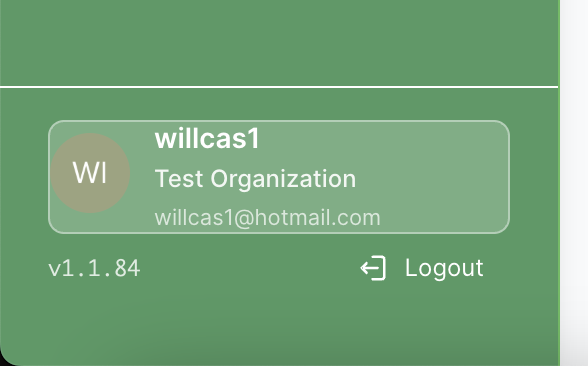
- Navigate to Profile from the main sidebar
- You’ll see your profile information and settings
- Profile page displays user information, subscription, and usage
Account Information
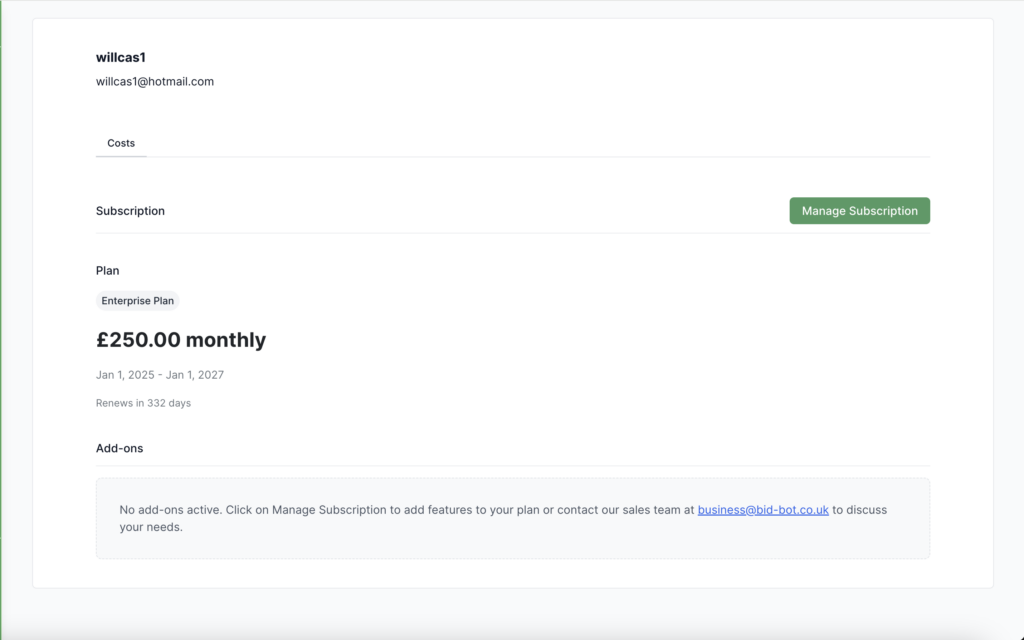
View your basic account details:
- Name & Email
- Subscription
- Any addons you have
- Personal token usage (If it’s a pay-as-you-go account)
- Invoices (If it’s a personal account)
Token Usage (Pay-as-you-go Plan Only)
Track how your tokens are used:
- Current Usage: Tokens used and remaining
- Monthly Summary: Tokens used this month
- History: View daily or monthly usage trends with charts
Tip: Reports and suggested paragraphs consume tokens.
Before running a report, you’ll see a token usage prediction adjust your options to manage consumption.
Subscription & Billing
View your current plan and billing info:
- Plan Type & Features
- Start/End Dates and Renewal Status
- Monthly Costs and Invoices
You can upgrade, downgrade, renew, or cancel your subscription as needed by contacting business@bid-bot.co.uk or by clicking “Managing Subscription”.
Add-Ons
See and manage optional features:
- View available add-ons
- Activate or remove existing ones by contacting support
Resetting your Password
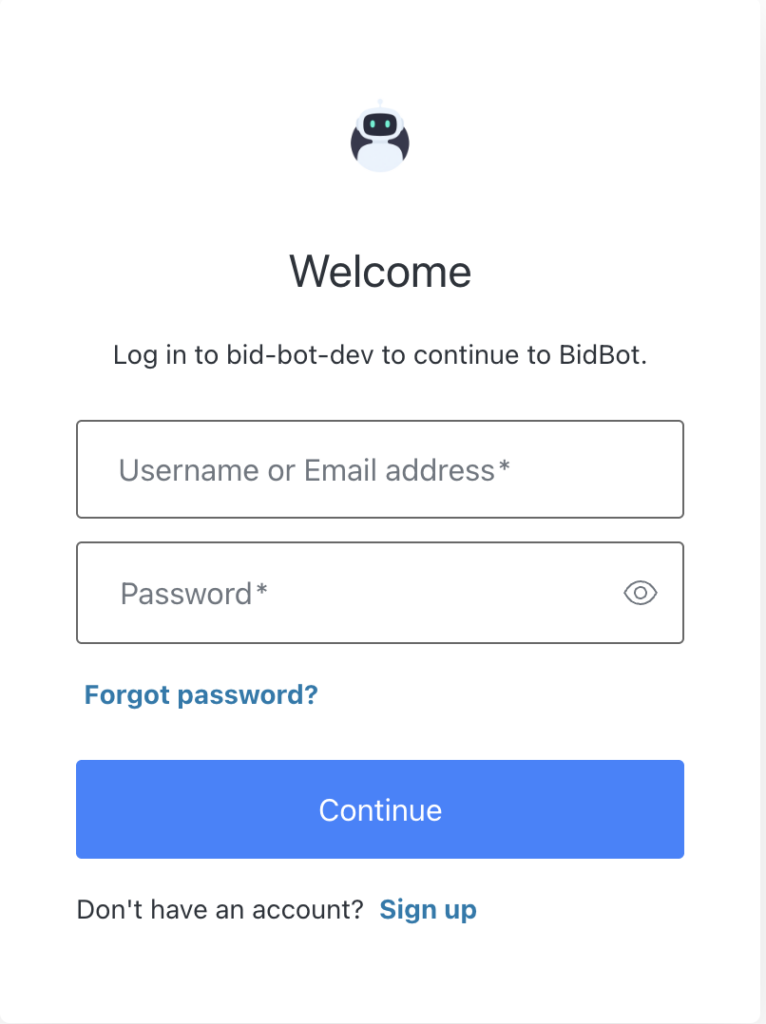
This is done by logging out and viewing the Bid Bot login screen, clicking on forgot password and following the instructions.
Troubleshooting
If something doesn’t look right:
- Usage Missing: Refresh or check subscription status
- Wrong Subscription Info: Refresh and verify your plan
- Billing Not Showing: Check date range or contact support
Need help? Contact Bid Bot Support.